

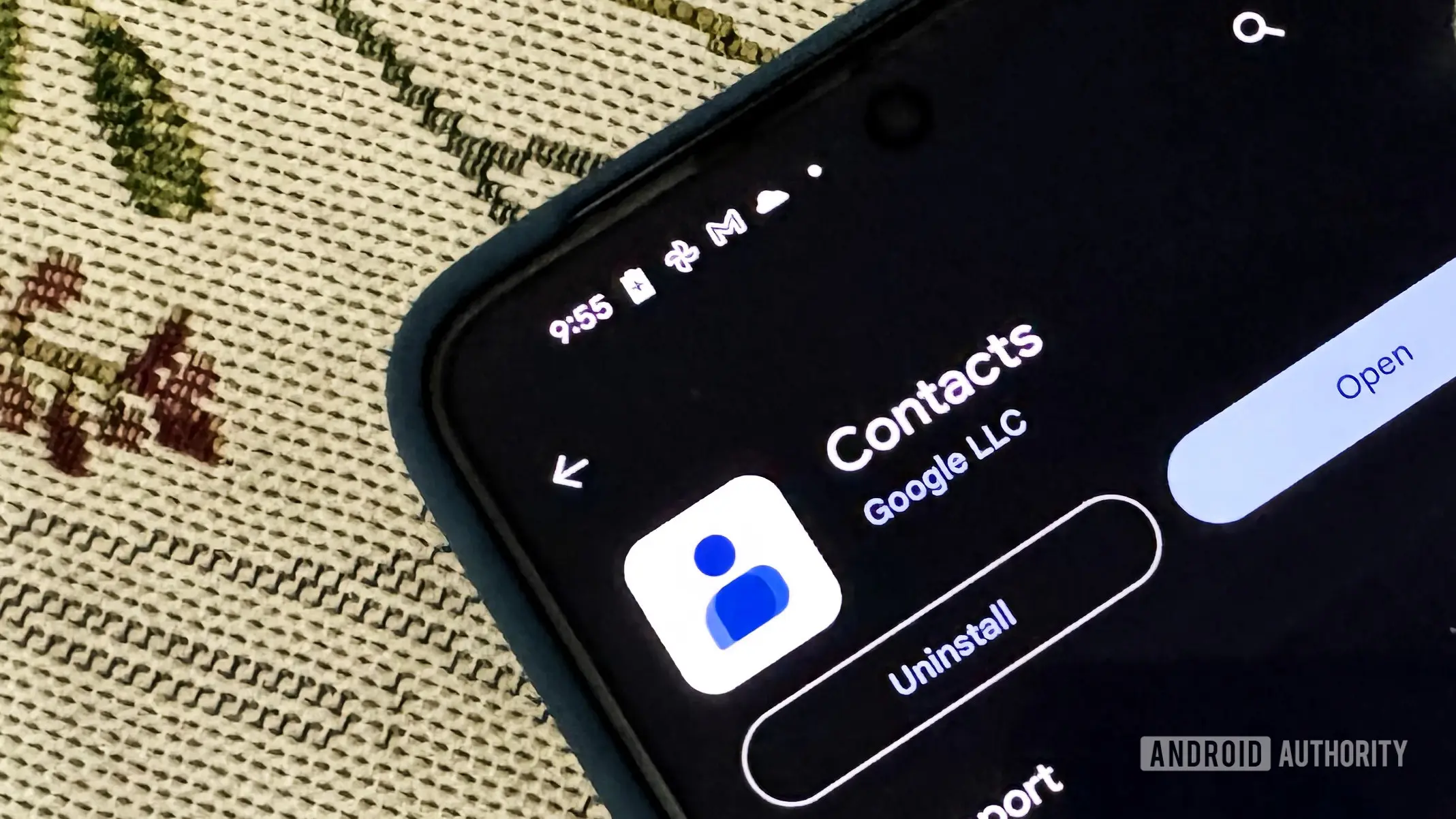
Google is quietly preparing its Contacts app for the arrival of a new Tap to Share feature, similar to Apple's AirDrop. Recent teardowns of the app's latest version reveal that the 'Your info' section is being moved to the top of the contact list, making it much faster to share personal details with nearby devices.
What is Tap to Share?
Tap to Share is an Android feature that allows users to quickly exchange files, photos, videos, and contact information by simply tapping two phones together. It uses a combination of NFC and peer-to-peer Wi-Fi or Bluetooth to establish a direct connection. Originally rumored to debut in Android 14, the feature has been repeatedly delayed but appears closer to release with each new update to Google's system apps.
The technology works much like AirDrop on iOS, but with broader compatibility across Android devices. Google has been refining the implementation through its Nearby Share platform, and Tap to Share is expected to be a more seamless evolution of that service.
Changes in Google Contacts
In version 4.82.29.936766038 of the Google Contacts app, developers discovered hidden UI elements that place the 'Your info' card at the very top of the contact list. Currently, accessing your own contact information requires navigating through the Settings menu, which is cumbersome when you need to share details quickly. The new layout will present your profile right where you can see it, alongside a share button for instant transmission.
The app also shows a redesigned editing screen for 'Your info' that integrates directly with your Google account. Your name and profile photo will be pulled automatically, and your primary Gmail address will be added by default. You can still override this with a different email if needed, but the process is streamlined.
Code references within the app connect 'Your info' specifically to Tap to Share functionality. Strings like 'tap_to_share_your_info' confirm that the feature is being built with this new sharing mechanism in mind.
Background on Contact Sharing
Sharing contact details has always been a friction point in mobile communication. Traditional methods include manually typing an email address, scanning a QR code, or using third-party apps like LinkedIn. Google's approach aims to reduce this to a single tap, making networking events, meetups, and casual introductions much smoother.
The 'Your info' card is designed to hold essential data: name, phone number, email, and optionally a photo. Once Tap to Share goes live, users will be able to share this card with anyone nearby who also has the feature enabled. The receiving device will prompt to save the contact or open a conversation.
Implications for Android Ecosystem
This update is part of a broader push by Google to create a more cohesive and competitive mobile ecosystem. AirDrop has been a key differentiator for Apple, and Android's fragmented hardware has made it harder to implement a universal solution. However, with Google's control over the core services and the widespread adoption of Nearby Share, Tap to Share could finally bridge that gap.
Manufacturers like Samsung already have their own sharing features (Quick Share), but Google's solution will likely be integrated into all Android devices via Google Play Services. That means even budget phones will get the capability, leveling the playing field.
The Contacts app changes also hint at deeper integration with other Google services. For example, your 'Your info' card could be synced across devices, so your work phone and personal tablet both have the same up-to-date details. This could be especially useful for people who switch between multiple devices regularly.
How It Works Under the Hood
Teardowns reveal that the Tap to Share process involves three steps: initiating a tap, confirming the recipient, and transferring the data. For contacts, the 'Your info' card is encoded into a small data packet that is sent via the NFC handshake. Then, the larger payload (like a profile photo) is transferred over a faster connection protocol.
Google has also added security measures. The sender must keep their phone unlocked and pointed at the recipient's device. A confirmation dialog appears on both sides before any data is exchanged, preventing accidental shares.
The new UI in Contacts makes this flow even simpler. The share button next to 'Your info' will trigger the Tap to Share interface directly, bypassing the need to open the usual share sheet. This saves at least two taps and several seconds.
Timeline and Availability
As of now, the Tap to Share feature itself has not been officially announced. It is expected to debut in a future Android 17 Feature Drop, possibly later in 2025. Google typically releases these updates every quarter, so the earliest window could be the December 2025 drop or early 2026.
The Contacts app changes are likely to roll out before Tap to Share goes live, giving users time to populate their 'Your info' cards. Once the underlying sharing system is activated, the feature will work immediately.
Developers and beta testers have already spotted the new UI in the latest Contacts updates, though it remains hidden under feature flags. Enabling those flags reveals the full implementation, suggesting that Google is in the final stages of testing.
What This Means for Users
For everyday Android users, this update is a welcome convenience. Instead of fumbling with a business card or typing out an address, you can just tap phones and be done. The new placement of 'Your info' makes it even faster to share your own contact details, which is often the most common use case.
Business professionals, event organizers, and frequent travelers will benefit the most. Networking becomes effortless, and the risk of typos or misheard numbers drops to zero. Additionally, because the data comes directly from your Google account, it is always accurate and up-to-date.
Privacy-conscious users should note that Tap to Share requires physical proximity and explicit confirmation, so there is no risk of background data leakage. You remain in full control of what you share and with whom.
As Android continues to evolve, features like this narrow the gap with iOS and enhance the overall user experience. The Contacts app changes are a small but telling sign that Google is committed to making sharing seamless.
Source: Android Authority News