

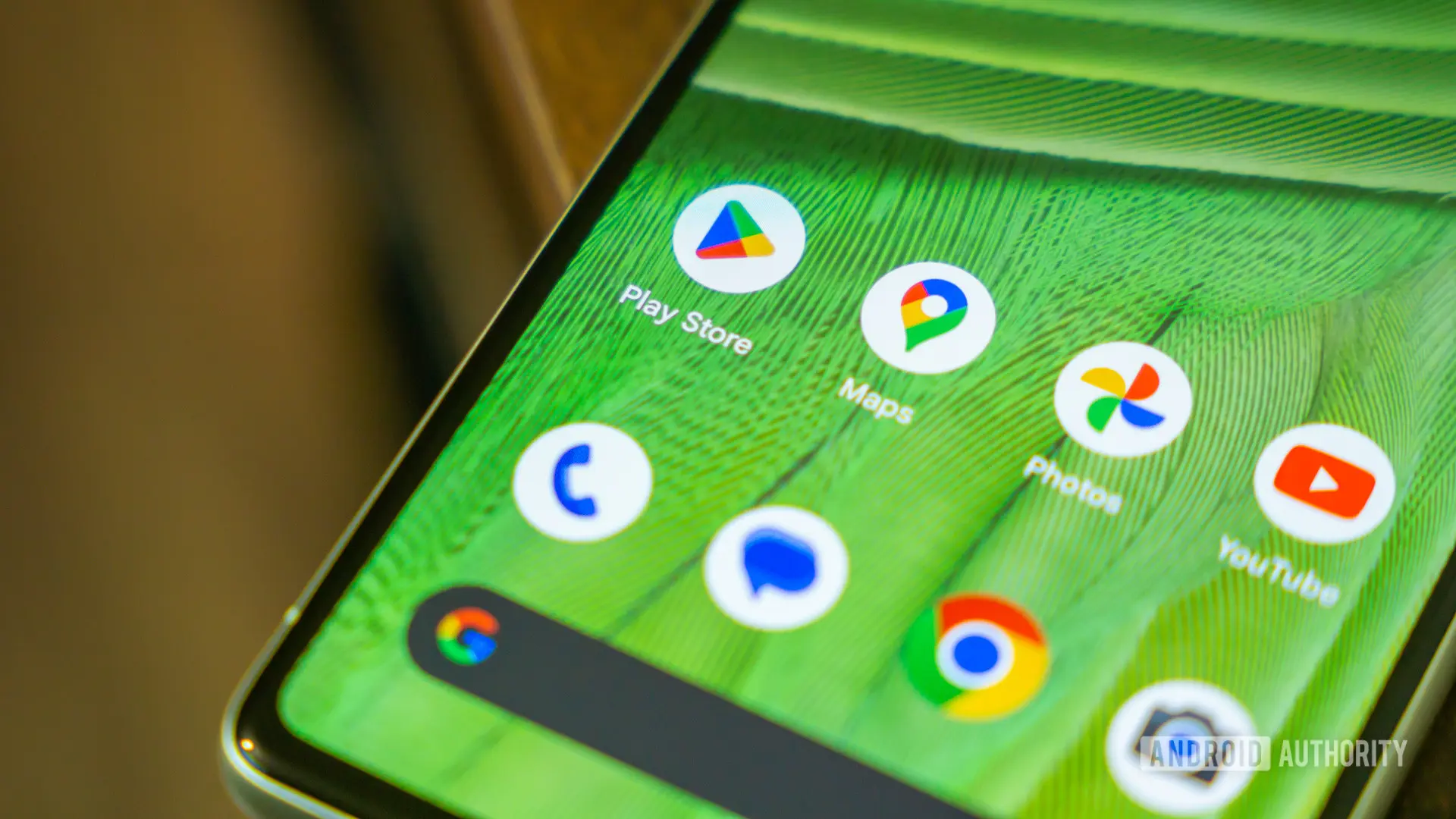
Mobile users who rely on the Google Play Store for app discovery may soon have a more personalized home screen experience. Recent analysis of the Play Store’s latest version reveals that Google is preparing to introduce individual widgets for each of its Collection categories. While the feature is not yet live, the code found in version 52.1.26-31 of the Play Store Android app points to a significant evolution in how users interact with the store’s curated content.
What Are Collections?
Google introduced Collections in the Play Store roughly two years ago. The feature groups apps and games into themed categories such as Shop, Listen, Food, Games, and more. These Collections are designed to help users find relevant apps without endless searching. For instance, the Food collection might show apps for recipe guides, restaurant review platforms, or food delivery services. Initially, Collections appeared as a quick-access panel within the Play Store itself, but later expanded to home screen widgets.
The Current Widget Situation
Until now, users had two widget options. A small widget displayed icons for recently used or recommended Collections, while a larger widget listed them along the left edge. Both widgets showed multiple Collections at once, often forcing users to scroll or swipe to see all available categories. This approach worked for some, but many users found it cluttered and wished they could highlight only their most-used Collections. The new development directly addresses that desire.
Individual Widgets for Every Category
According to the teardown, the Play Store is now being prepared to offer a separate widget for each of eight Collections: Food, Game, Listen, Read, Shop, Social, Travel, and Watch. This means users could place a dedicated widget for, say, “Food” on their home screen that only shows apps from that category, right next to a “Games” widget that behaves similarly. The result is a highly customizable and focused interface.
The discovery was made by examining the app’s underlying code, which contains references to each of these specific widgets. While the code is still in active development and cannot be deployed yet, it offers a clear preview of what’s coming. The eight categories align with the existing Collection types available within the Play Store. Notably, there is no mention of a “Sports” or “Health” collection, suggesting that these eight represent the current set of curated topics.
Technical Underpinnings and Widget Customization
Android widgets are small application views that can be embedded in other apps, primarily the home screen. They receive periodic updates and can display dynamic content. The current Play Store widgets are built using the standard App Widget framework, and the new single-Collection widgets are expected to follow suit. This means users will likely have size options such as 2x2, 3x2, or 4x2 cells, depending on how much content they wish to see. For example, a small widget might show just the Collection icon and a few app icons, while a larger one could list titles with brief descriptions.
The individual widgets will still pull data from the Play Store, so they will update automatically when new apps are added to a Collection or when recommendations change. Users will not need to manually refresh them. This convenience is a hallmark of well-designed Android widgets.
Why This Matters for Users
The ability to place a single Collection widget on the home screen offers several advantages. First, it reduces clutter: instead of a widget that tries to show multiple categories and forces the user to scroll, each widget focuses on one topic. Second, it allows for deeper personalization. A user who heavily uses music streaming apps might place a “Listen” widget on their main home screen, while a parent might dedicate a spot for “Kids” apps (though “Kids” is not currently a separate Collection, suggesting Google may add more categories). Third, it can improve performance, as a widget only needs to load data for one category rather than many.
From a usability perspective, this change aligns with how many Android users already interact with widgets. Weather, calendar, and news widgets already exist as single-purpose tools. Extending the same philosophy to app discovery makes sense and reflects Google’s ongoing efforts to make its services more home screen-friendly.
Historical Context: The Evolution of Play Store Widgets
Google’s Play Store widgets have a relatively short history. The first widgets appeared alongside the Collections feature about two years ago. Before that, the Play Store did not offer any home screen widgets for app discovery. Users had to open the Play Store app directly to browse or search. The addition of Collections widgets was a welcome move, providing a glanceable view of current app deals, recommended apps, and category shortcuts. However, feedback from early adopters indicated a desire for more control. Some users wanted to remove certain Collections they never used, while others wanted to prioritize specific ones. The upcoming single-Collection widgets address this feedback by effectively letting users build their own widget suite.
Parallel to this, Google has been refining its “Google Widget” suite, which includes search, weather, and news. The Play Store widgets are now following a similar path toward specialization.
Competitive Landscape
Other mobile app stores have also explored home screen integration. The Apple App Store offers a widget (introduced with iOS 14) that shows app suggestions, but it does not allow for per-category widgets. Users can choose from a small list of categories, but the widget still aggregates multiple topics. Samsung’s Galaxy Store, which provides its own app distribution, has no dedicated widget at all. Thus, if Google successfully launches individual Collection widgets, it will immediately set the Play Store apart in terms of home screen customization.
Third-party launchers like Nova Launcher have long allowed users to create custom shortcuts to Play Store categories using activities, but those are not official widgets and lack the dynamic, data-driven nature of a proper widget. The upcoming official widgets will likely be more polished and easier to configure.
Potential Impact on Developers
For app developers, the availability of per-category widgets could increase visibility. If a user places a “Games” widget on their home screen, it will surface games from the Play Store’s curated list. That list is influenced by factors like ratings, download counts, and editorial picks. Consequently, developers may have a stronger incentive to optimize their app’s presence within a specific Collection category. This could lead to better-targeted marketing and higher conversion rates for apps that align well with a Collection.
However, the algorithm behind which apps appear in each Collection widget remains opaque. Google may use user behavior, installed apps, and popularity to decide what to show. The widget could also offer personalized recommendations, making it a powerful tool for discovery.
Conclusion-Free Ending
The code found in the Play Store update is still a work in progress. Like many features discovered via APK teardowns, there is no guarantee it will ever see a public release. Google could decide to refine the concept further, change the set of available collections, or even scrap the idea. Nonetheless, the presence of such detailed references suggests the company is seriously considering this addition. For now, users who long for a more tailored Play Store experience will have to wait for an official announcement or a future beta release.
Source: Android Authority News