

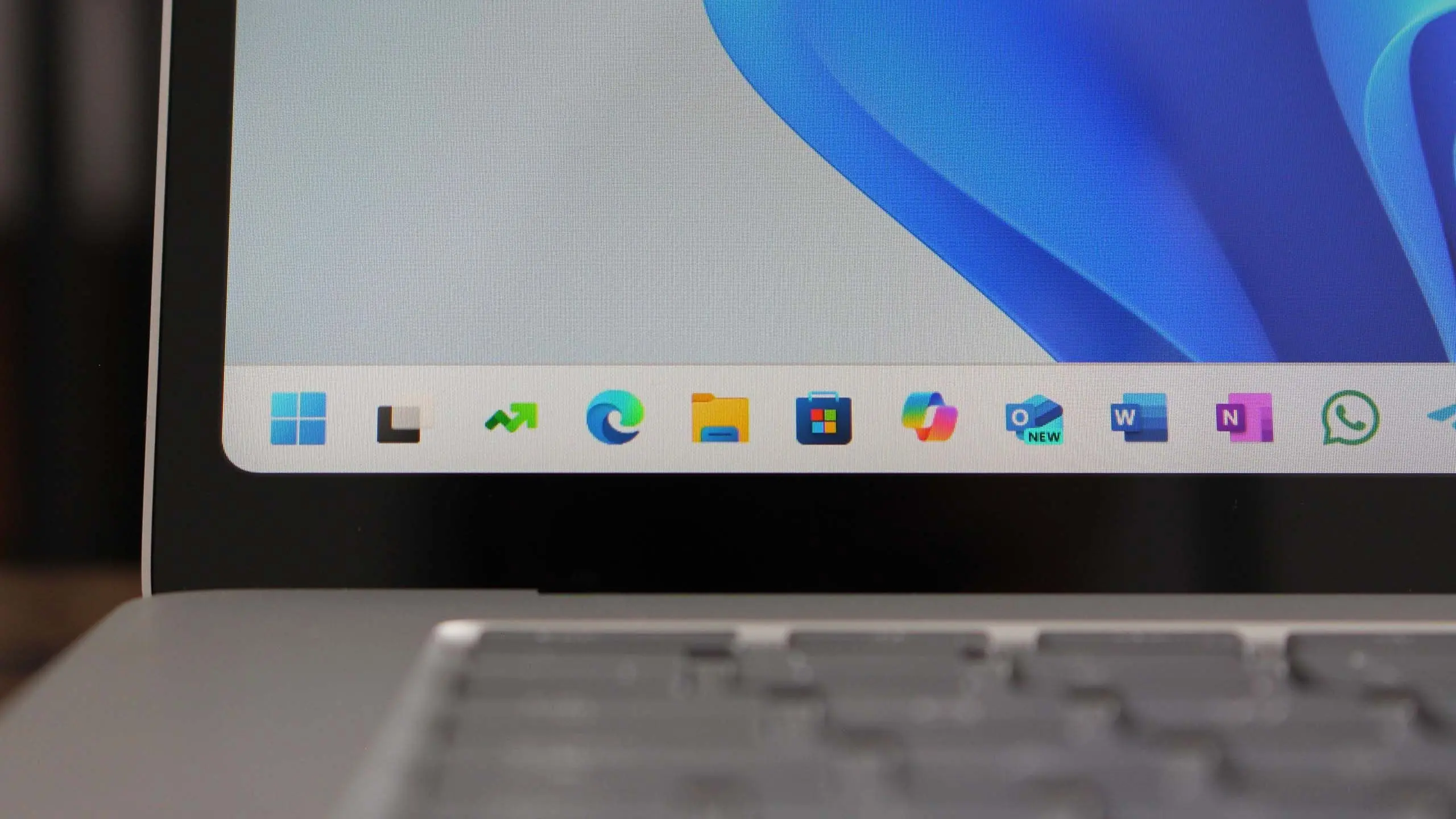
Windows 11 version 25H2 is shaping up to be one of the most significant updates since the operating system's debut. Microsoft has been refining its approach to feature releases, moving from annual updates to a more continuous delivery model. However, 25H2 marks a major milestone, bundling new consumer-facing features, enterprise enhancements, and deeper integration of artificial intelligence across the shell.
This article covers everything you need to know about the upcoming release: from its rumored features and release date to system requirements and potential impact on users. We also explore Microsoft's updated update strategy and how 25H2 fits into the broader Windows ecosystem.
What is Windows 11 version 25H2?
Windows 11 version 25H2 is an upcoming feature update for Windows 11, expected to be released in the second half of 2025. The naming convention follows Microsoft's revised scheme where the year and half-year are combined — hence 25 for 2025 and H2 for the second half. This update succeeds version 24H2 and brings a wave of improvements aimed at modernizing the user experience.
Traditionally, Microsoft offered one major feature update per year for Windows 11. However, with the shift to a 'Moments' style delivery and now a hybrid model, 25H2 represents a consolidation of multiple features tested in preview builds. Early builds of 25H2 have been spotted in the Canary and Dev channels of the Windows Insider Program, hinting at new capabilities under development.
Expected Release Date and Availability
Based on Microsoft's historical release patterns, Windows 11 version 25H2 is likely to begin rolling out to the public in October or November 2025. The company typically uses the fall window for major updates to align with hardware launches and the holiday season. Insiders in the Release Preview channel can expect to see the update in late summer for final validation.
Microsoft has not officially confirmed a specific date, but internal documents suggest a general availability target of Q4 2025. Users running Windows 11 will receive the update via Windows Update as a free upgrade, provided their device meets the system requirements. Enterprise customers will have access through Windows Server Update Services (WSUS) and other management tools.
System Requirements and Compatibility
Windows 11 version 25H2 is expected to maintain the same hardware requirements as previous versions: a compatible 64-bit processor (1 GHz or faster, with 2 or more cores), 4 GB of RAM, 64 GB of storage, UEFI with Secure Boot, TPM 2.0, and a DirectX 12 compatible graphics card. Microsoft may adjust these slightly if new features demand more resources, but so far no major changes have been indicated.
Users of older PCs that were upgraded via workarounds may find continued compatibility, though Microsoft encourages using supported hardware for security and performance. The update will be delivered as an enablement package for those already on 24H2, meaning the underlying OS build number will advance but the installation process will be relatively lightweight.
Key New Features and Improvements
AI-Powered Windows Copilot Enhancements
The most anticipated feature of 25H2 is the expanded role of Windows Copilot, Microsoft's AI assistant. With the integration of advanced language models, Copilot will gain deeper system control, allowing users to adjust settings, launch apps, and even compose documents using natural language. Microsoft is also testing a continuous sidebar that provides contextual suggestions based on on-screen content.
Additionally, developer tools like Copilot for coding and debugging are expected to be native in the OS, reducing the need for third-party extensions. The AI features will require a Microsoft account and internet connectivity for certain tasks, but local processing capabilities are also being developed for privacy-sensitive workloads.
Redesigned File Explorer
File Explorer is receiving a visual refresh with a modernized layout, improved search, and tab enhancements. Version 25H2 introduces a 'Gallery' view that uses AI to organize photos and images by time, location, and even facial recognition. The address bar will support drag-and-drop for faster navigation, and the context menu is streamlined to reduce clutter.
Native support for RAR, 7z, and other archive formats is also expected to be included, eliminating the need for third-party compression tools. This feature, already tested in Insider builds, will make everyday file management more efficient.
Desktop and Multitasking Upgrades
Microsoft is refining the desktop experience with dynamic virtual desktops. Users can assign different wallpapers to each desktop, and the taskbar will show only icons relevant to the current desktop. Snap Layouts are getting an upgrade with 'Snap Groups' that remember app sets across reboots, enabling quick restoration of workspaces.
Widgets board is also being redesigned to allow full-screen mode and customizable feeds sourced from third-party providers. The weather and news widgets now support richer media, including video thumbnails and interactive maps.
Security and Privacy Enhancements
Security remains a cornerstone of Windows 11, and 25H2 introduces several new defenses. Microsoft is expanding the use of Pluton security processor integration to more devices, providing hardware-based protection for credentials and encryption keys. Smart App Control (SAC) becomes more granular, with the ability to block unsigned scripts and macros in addition to executable files.
New privacy settings give users more control over telemetry data. The 'Privacy Dashboard' will show a timeline of accessed permissions and allow one-click revocation of access to location, camera, and microphone for specific apps. Microsoft is also introducing a 'Confidential Computing' mode for Windows 11 Pro and Enterprise that encrypts data in use using trusted execution environments.
Underlying Architecture and Performance
Windows 11 25H2 is built on the same NT 10.0 base but with significant kernel optimizations. The scheduler has been updated to better handle hybrid CPU architectures (like Intel's P-cores and E-cores), resulting in improved battery life on laptops. Microsoft claims up to 15% better performance in multi-threaded workloads compared to 24H2.
The update also includes the latest version of the DirectStorage API, which allows games to load assets in milliseconds by bypassing the CPU. Combined with Auto HDR enhancements, gamers will see more vibrant colors and faster level loads. The Graphics Settings page now supports per-game variable refresh rate controls.
Improved Arm64 Support
With the rise of Arm-based Windows devices like the Surface Pro X and new Snapdragon X Elite laptops, 25H2 improves x86/x64 emulation performance. Microsoft's Prism emulator, introduced in 24H2, will see further optimizations, enabling many legacy applications to run at native speed. Native Arm64 app support is also expanding, with major browsers and productivity suites now compiled for the architecture.
Battery efficiency on Arm devices receives a boost through new power management drivers that throttle background activity more aggressively. Users can expect longer runtime during video playback and web browsing.
Enterprise and Management Features
For IT administrators, Windows 11 25H2 introduces 'Windows Autopatch' as a built-in service, allowing automatic patching of endpoints without additional infrastructure. The update streamlines Feature Update deployment through new Group Policy settings that allow gradual rollouts. Microsoft Endpoint Manager integration is enhanced with the ability to create compliance policies for AI features.
Another notable addition is 'Windows Protected Print' mode, which eliminates the need for third-party printer drivers by using the IPP standard. This reduces vulnerabilities and simplifies printer management. Enterprises also benefit from improved Windows Sandbox networking capabilities, enabling secure testing of network applications.
What Users Should Do to Prepare
To ensure a smooth upgrade to version 25H2, users should check their PC's compatibility using the PC Health Check tool. It's recommended to back up important data and free up at least 20 GB of disk space. Insiders can join the Release Preview channel to get early access and report issues.
Microsoft will roll out the update gradually, so users who don't want to wait can manually initiate the upgrade via Windows Update after the official release. Enterprise customers should review the new features in the admin center and update their deployment ring policies.
The shift toward AI integration in Windows 11 25H2 reflects Microsoft's broader strategy to embed intelligent assistance across its product line. With enhanced security, better performance on diverse hardware, and a more intuitive user interface, this update aims to solidify Windows 11's position as a modern operating system for both consumers and businesses.
Source: Windows Central News